The Teleprompter for YouTube Videos Actually Use On Camera
GhostPrompter is the teleprompter for YouTube videos that lets you read your script on-screen while recording tutorials, demos, and explainer videos without blocking your workflow or breaking eye contact with the camera
Your Notes Are Useless If You Can't See Them While Recording
Your Notes Are Useless If You Can't See Them While Recording
You’re recording a 20-minute tutorial. Usually, using a teleprompter for YouTube videos requires a second monitor or expensive glass. GhostPrompter is different. You can stay on track while screen recording software demos and switching between apps, all while looking directly at the camera lens
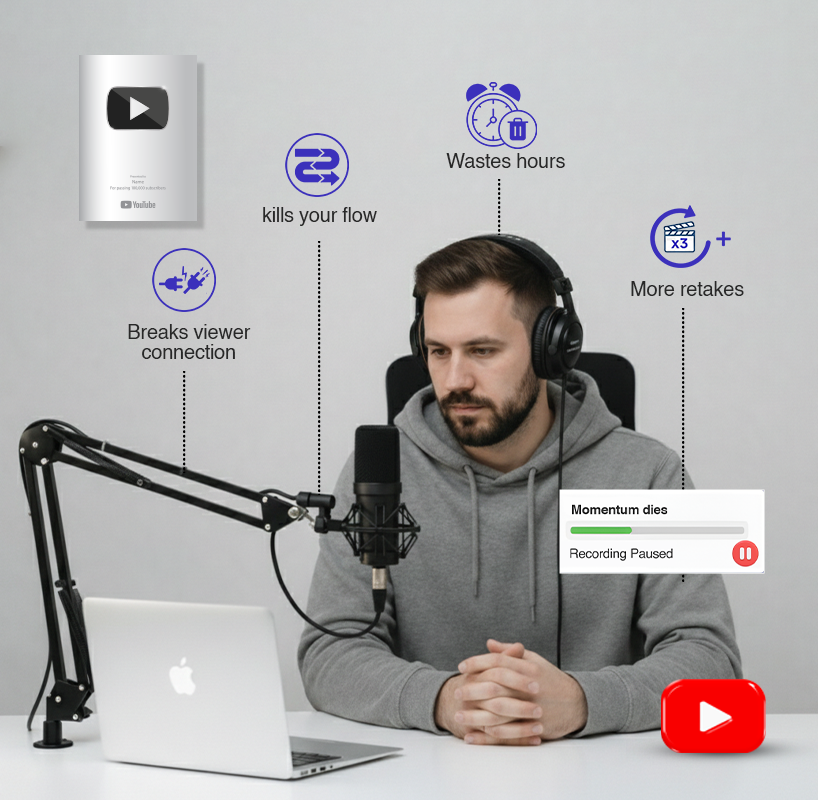
Looking away from the camera (breaks viewer connection)
Stopping to reference your script (kills your flow)
Editing out awkward pauses (wastes hours in post)
An Invisible YouTube Teleprompter for Your Footage.
GhostPrompter puts your script directly on your screen floating over your slides, your video feed. It is the only screen recording teleprompter that stays invisible to your audience while letting you click, type, and interact with everything behind it.
Click-through overlay
Your script floats on-screen but doesn't block interaction. Click slides, open files, run demos, type in chat all while reading
Voice-activated scrolling
The script follows your speaking pace automatically. Pause to address a question? It pauses with you. Speed up? It speeds up
Invisible to your audience
GhostPrompter doesn't appear in Zoom, Teams, Google Meet, or any screen share. Your viewers see your slides. You see your script
Lightweight
Doesn't slow down your system or interfere with video calls. Runs locally, no internet required
The Easiest Teleprompter for YouTube Videos, Tutorials, and Demos.
Tutorial Videos & How-Tos
Navigate software without missing steps
Reference shortcuts accurately
Stay on script while demo workflows
Product Reviews & Unboxings
Hit every spec and feature point
Cover pros and cons systematically
Reference price comparisons smoothly
Educational & Explainer Videos
Teach complex topics clearly
Cover all key concepts in order
Reference stats and data accurately
Tutorial Videos & How-Tos
Navigate software without missing steps
Reference shortcuts accurately
Stay on script while demo workflows
Product Reviews & Unboxings
Hit every spec and feature point
Cover pros and cons systematically
Reference price comparisons smoothly
Educational & Explainer Videos
Teach complex topics clearly
Cover all key concepts in order
Reference stats and data accurately
Screen Recording & Demos
Navigate software while reading script
Click through demos confidently
Reference technical details without pausing
Screen Recording & Demos
Navigate software while reading script
Click through demos confidently
Reference technical details without pausing
Talking Head Videos
Maintain eye contact with camera
Deliver intros and outros smoothly
Remember CTAs and key messages
Vlog-Style Content
Script B-roll narration precisely
Hit sponsorship talking points
Keep videos tight and on-message
Talking Head Videos
Maintain eye contact with camera
Deliver intros and outros smoothly
Remember CTAs and key messages
Vlog-Style Content
Script B-roll narration precisely
Hit sponsorship talking points
Keep videos tight and on-message
Dead simple to get started
Start Recording: Launch OBS or Loom. Hit record. Your teleprompter for YouTube videos script scrolls with your voice automatically.
Write Your Script
Type directly in GhostPrompter or paste from your existing notes. Organize multiple scripts for different videos.
Position The Overlay
Drag it anywhere bottom of screen for tutorials, next to your camera for talking head shots, over your timeline for editing videos.
Customize Display
Adjust font size, opacity, width, and line spacing. Make it readable without being distracting. Save your settings for next time.
Start Recording
Launch OBS, Loom, ScreenFlow, or whatever you use. Hit record. Script scrolls with your voice automatically.
See It In Action
Watch how it stays invisible during screen recordings
Works With Every Recording Tool
GhostPrompter runs on your desktop. It doesn’t integrate with anything it just works
Frequently Asked Questions
Everything you need to know before you start recording with confidence