

GhostPrompter is the only teleprompter for podcast creators that lets you read guest questions and sponsor scripts on-screen without breaking your flow or eye contact.
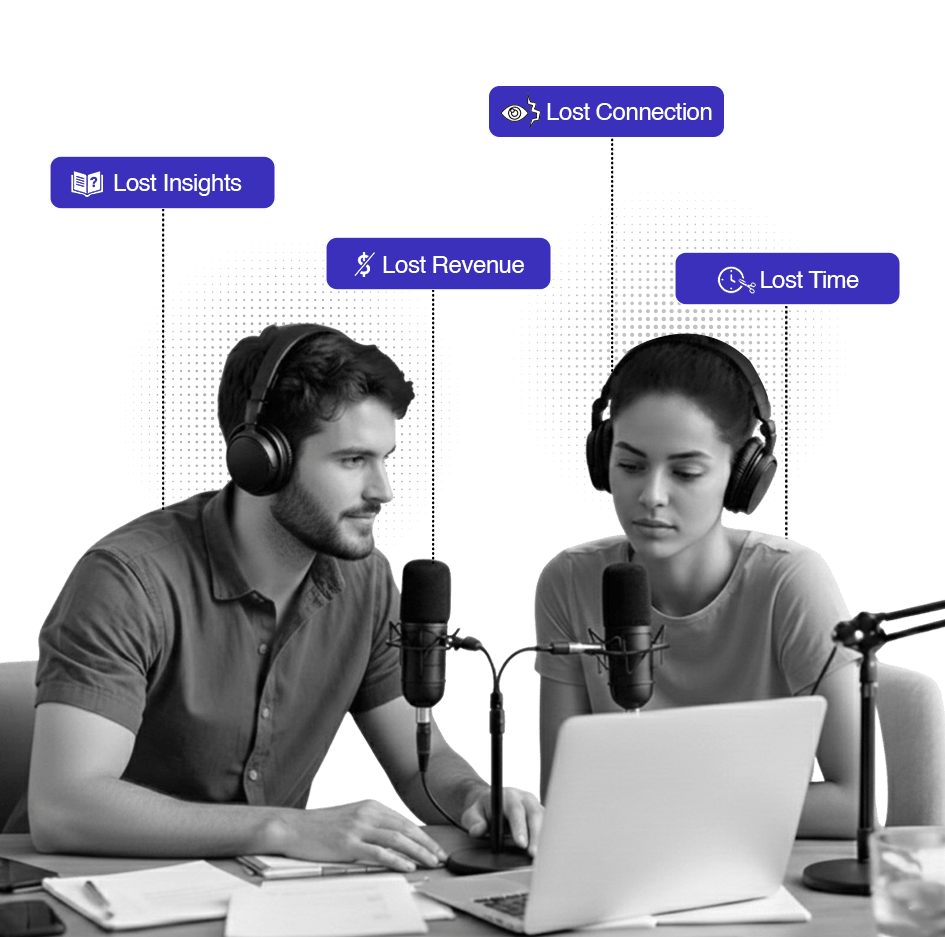
You’re 20 minutes into an episode. You have your outline, guest questions, sponsor reads, and transition points planned. But your notes are on your phone, printed out, or in another window. By using a teleprompter for podcast recording, you can watch your guest’s reactions, monitor your recording levels, and remember what question comes next.
Usually, using a podcast teleprompter requires looking away at a second screen or shuffling papers. With GhostPrompter, you can stay on track while monitoring levels and watching your guest’s reactions.
Your outline floats on-screen but doesn't block interaction. Adjust levels, start/stop recording, mute tracks, check video framing all while reading.
The script follows your speaking pace automatically. Pause for your guest to answer? It pauses with you. Speed through your intro? It speeds up.
GhostPrompter doesn't appear in video recordings, OBS captures, or Riverside/Squadcast video feeds. Your audience sees you. You see your outline.
Doesn't slow down your system or interfere with recording software. Runs locally, no internet required.

Start Recording: Launch Loom, Riverside, or OBS. Your teleprompter for podcast script scrolls with your voice automatically.
Type your intro, guest questions, talking points, sponsor reads, and outro. Organize scripts by episode or guest name.
Place it next to your recording software, below your camera frame, or wherever you naturally look. Won't block your video feed or mixer interface.
Set font size, opacity, width, and line spacing. Make it readable without being distracting. Save your settings for future episodes.
Launch Riverside, Squadcast, Zencastr, OBS, ScreenFlow, or whatever you use. Hit record. Your outline scrolls with your voice automatically.
Watch how it stays invisible during video podcast recordings
GhostPrompter runs on your desktop. It doesn’t integrate with anything it just works.























Everything you need to know before you start recording with confidence
No. GhostPrompter is invisible to screen capture, OBS, Riverside, Squadcast, and any recording software. Only you see it.
Yes. Pause recording, edit your notes, and continue. Or prep your entire outline beforehand and just follow it.
No. GhostPrompter overlays your existing screen. A second monitor gives you more workspace, but it's not required.
Yes. Even if you're not recording video, you can still use GhostPrompter to keep your outline visible while recording in your DAW or remote recording platform.
The script pauses when you stop talking. Let the conversation flow naturally, then jump back to your next question when ready.
No. Voice-activated scrolling runs locally. No internet required.
Absolutely. Many podcasters use GhostPrompter for live recordings, Twitch streams, YouTube live shows, or Twitter Spaces where they need to stay on topic under time pressure.
GhostPrompter is software-only. It runs on your computer screen, not external teleprompter hardware. If you're already using a physical teleprompter rig, this isn't for you.
No more forgetting your best questions. No more fumbling through sponsor reads. No more episodes that wander off-topic. Just clean, confident podcasts done in one take.
Take your show to the next level — Explore the Professional Features that make GhostPrompter the #1 teleprompter for podcast creators.
