

GhostPrompter is the essential teleprompter for sales demos that lets you stay on message while navigating your software, without ever breaking eye contact with prospects.
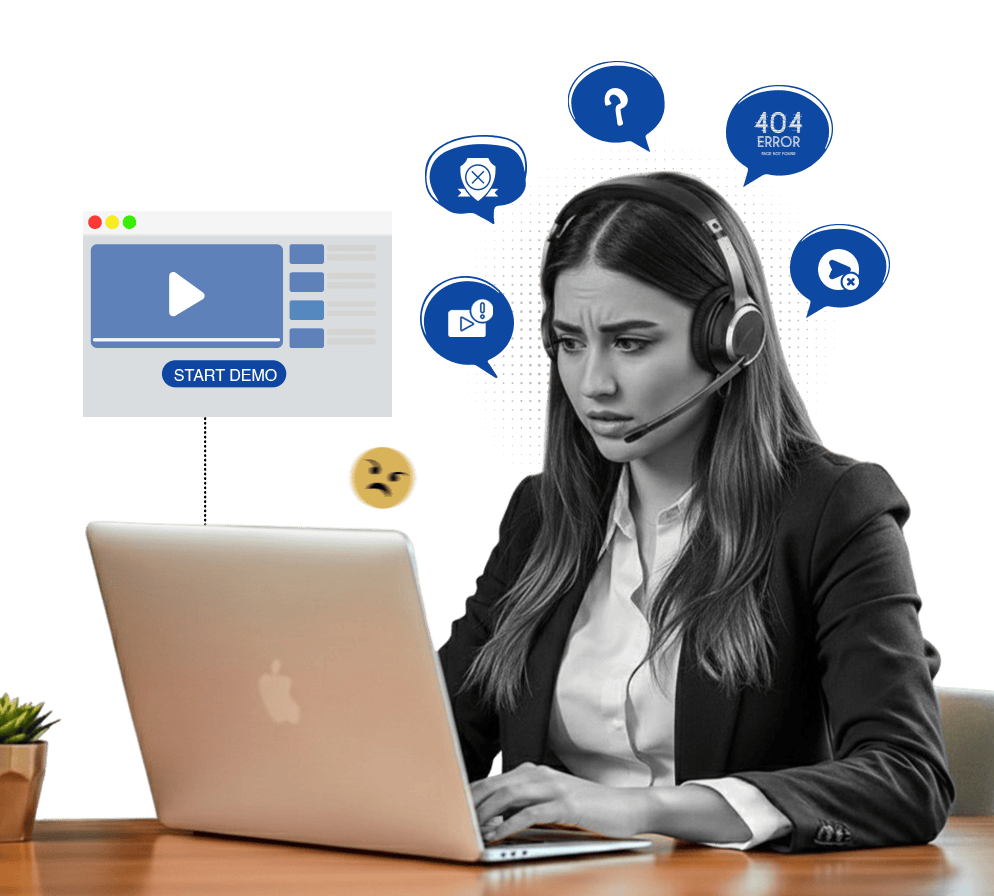
You’re demoing your product to a qualified prospect. You have your discovery notes, your objection handlers, and your value prop dialed in. but reading a script from another window. You’re trying to navigate the product, watch the prospect’s reactions, and remember which feature to show next.
GhostPrompter puts your sales notes directly on your screen. It is the only teleprompter for sales demos that stays invisible to your audience while letting you click, navigate, and interact with your SaaS dashboard behind it.
Your script floats on-screen but doesn't block interaction. Click through your product, open features, fill in forms, navigate your dashboard all while reading your pitch.
The script follows your speaking pace automatically. Pause to handle an objection? It pauses with you. Speed up through a feature? It speeds up.
GhostPrompter doesn't appear in Zoom, Teams, Google Meet, or any screen share. Your prospect sees your product. You see your script.
Doesn't slow down your system or interfere with screen sharing. Runs locally, no internet required.





Start Your Demo: Launch Zoom, Teams, or hit record in Loom. Share your screen. Your teleprompter for sales demos outline scrolls with your voice automatically.
Type your discovery notes, feature talking points, objection handlers, and pricing breakdown. Organize scripts by product, industry, or deal size.
Place it next to your product interface, below your camera frame, or wherever you naturally look while presenting. Won't block your UI.
Set font size, opacity, width, and line spacing. Make it readable without distracting from your demo. Save settings for your team.
Launch Zoom, Teams, Google Meet, or hit record in Loom. Share your screen. Script scrolls with your voice automatically. Close deals.
Watch how it stays invisible during live demos and screen shares
GhostPrompter runs on your desktop. It doesn’t integrate with anything — it just works.























Everything you need to know before you start demoing with confidence
No. GhostPrompter is invisible to screen capture, screen share, Zoom, Teams, Google Meet, and any recording software. Only you see it.
No. GhostPrompter overlays your existing screen. A second monitor gives you more space, but it's not required.
Yes. GhostPrompter floats over any application your browser, your SaaS product, your CRM, your slides. You can click and navigate everything underneath.
The script pauses when you stop talking. Answer the question, then resume. Perfect for handling objections or going off-script when needed.
No. Voice-activated scrolling runs locally. No internet required.
Yes. GhostPrompter is licensed per user. Team pricing available. Every rep can customize their own scripts and display settings.
No. GhostPrompter is lightweight and won't affect performance or frame rate during screen sharing.
No more forgetting ROI stats. No more fumbling through features. No more missing objection handlers when it matters. Just clean, confident demos — delivered on message, every time.
Empower your entire team — Explore the Professional Features that make GhostPrompter the #1 teleprompter for sales demos.
